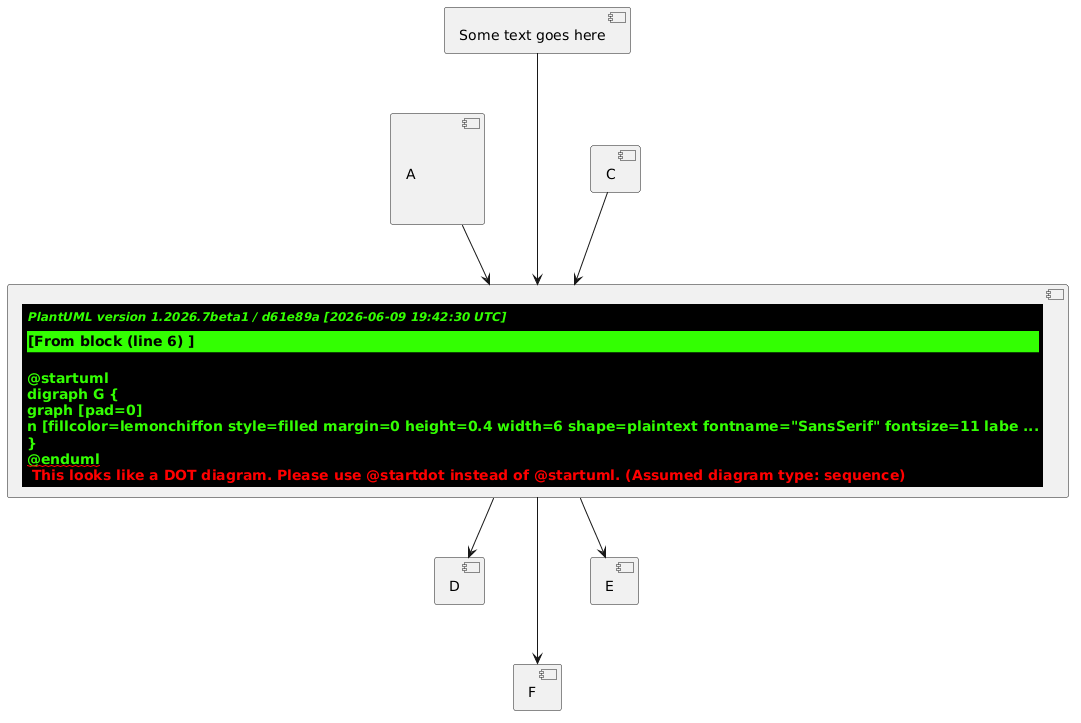
Plantuml sizes a component based on its contents, there is no way to specify size (so the following are clumsy workarounds).
Normally I would do this by including trailing spaces to increase width and blank lines to increase height. Using a monospaced font makes width easier to control (but more granular). (See https://forum.plantuml.net/14765/textarea-in-salt for ideas to wrap this in a simple macro).
component A [
<font:monospace>            </font>
<font:monospace>            </font>
A
<font:monospace>            </font>
<font:monospace>            </font>
]
And here is a bonus idea using raw Graphviz contents to specify a height and width numerically. I'm not sure whether it is worth the deviation from Plantuml syntax - probably not. It would need manual adjustment to fit non-default themes.
component Z [
{{
digraph G {
graph [pad=0]
n [fillcolor=lemonchiffon style=filled margin=0 height=0.4 width=6 shape=plaintext fontname="SansSerif" fontsize=11 label="Some text goes here"]
}
}}
]
(click diagram for online server)